 EN
EN
Where your listeners get the station’s app: App Store, Google Play or F-Droid
Published on 25 October 2026 · Checked on 24 October 2026
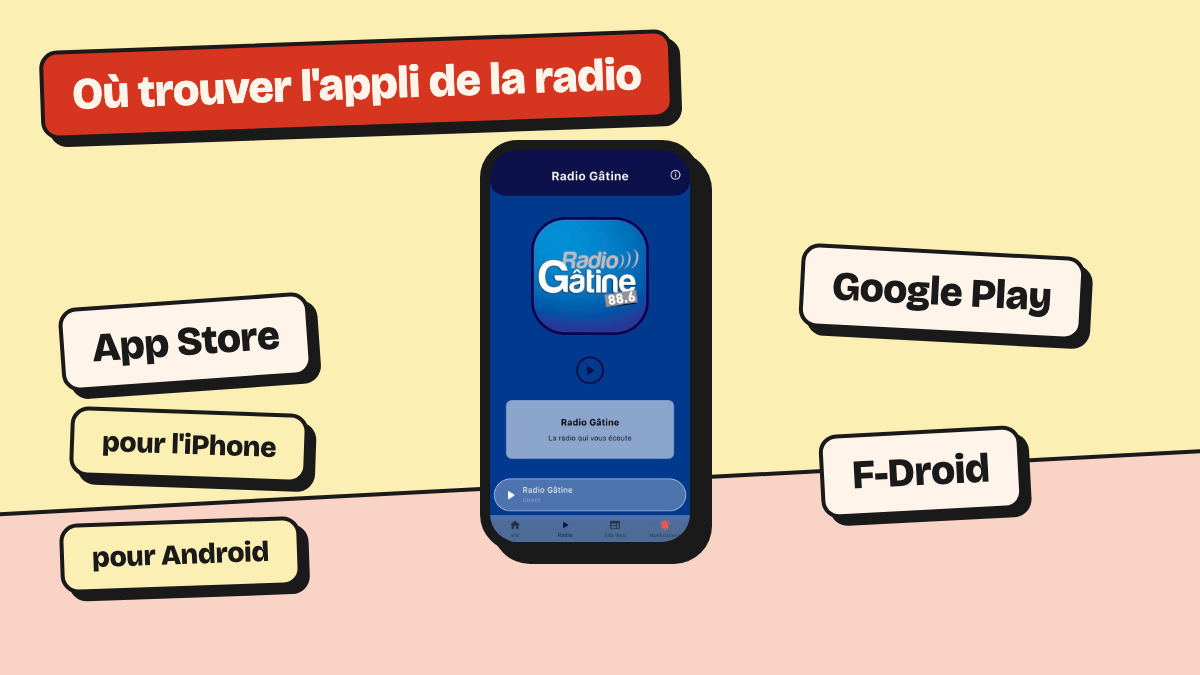
On iPhone, listeners install the station’s app from the App Store. On Android, they install it from Google Play, or from F-Droid on phones without Google Play and for listeners who prefer independent tools. Radio App apps are in all three, and an F-Droid install and a Google Play install update each other.
Which app store for which phone
The listener’s phone decides. An iPhone uses the App Store. An Android phone with Google Play uses Google Play. F-Droid is for Android phones without Google Play, and for listeners who prefer an independent source.
| Store | For whom | Installing | Updates |
|---|---|---|---|
| App Store | iPhone and iPad | Search for the station’s name in the App Store | Automatic by default |
| Google Play | Android phones with Google Play | Search for the station’s name in Google Play | Automatic, depending on the Google Play setting |
| F-Droid | Android phones without Google Play, or listeners who prefer an independent source | Install F-Droid, add the repository, then the app | Offered by F-Droid; automatic on Android 12 and later if the listener turns it on |
App Store and Google Play: search for the station’s name
On the App Store and on Google Play alike, the listener types the station’s name and installs the free app.
On iPhone, Apple updates apps downloaded from the App Store by default. On Android, the setting is in Google Play: profile picture, Settings, Network preferences, “Auto-update apps”. The listener can choose Wi-Fi only there.
F-Droid: an independent app store for Android
F-Droid is an app store for Android run by volunteers. You download it from its website, as an app file (APK).
Besides its main repository, F-Droid can read other repositories. Since 30 September 2026, every Radio App app is also in our own repository, named “radioapp”.
To add it, the listener follows these steps on their Android phone:
1. Install F-Droid from f-droid.org. Android then asks for permission for the browser to install apps: allow it.
2. Open the Radio App F-Droid repository page on the phone, then tap « Installer avec F-Droid » (Install with F-Droid). The same page shows a QR code: from a computer, scan it with the phone.
3. Confirm adding the repository in F-Droid. It then appears in F-Droid’s settings, with the other repositories.
4. Search for the station in F-Droid and install its app.
F-Droid shows two warnings on our apps. The first says that they depend on components that are not free software. The second says that they rely on an online service that is not free software. These are F-Droid’s warnings, not errors.
Installed from F-Droid on an Android phone without Google Play, the app works, except for notifications.
Updates: F-Droid and Google Play update each other’s installs
The Radio App F-Droid repository holds the installation file that Google Play generated and signed. So an app installed from one can be updated from the other.
F-Droid offers each new version published in the repository. Since F-Droid 1.19, on Android 12 and later, it can install updates without asking, if the listener turns this on.
An APK file downloaded on its own, without F-Droid, does not update itself. Recommend F-Droid rather than the file.
Frequently asked questions
Is the radio app free?
Yes. The apps of stations that use Radio App are free for listeners, on the App Store, Google Play and F-Droid.
How do I install apps on a phone without Google Play?
With F-Droid, an independent app store that you download from f-droid.org. The listener adds the Radio App repository to it, then installs the station’s app. The app then works, except for notifications.
How do I turn on automatic app updates on Android?
In Google Play: profile picture, Settings, Network preferences, “Auto-update apps”. In F-Droid, on Android 12 and later, the listener can turn on updates without confirmation.
What is an F-Droid repository?
A list of apps that F-Droid reads in addition to its main catalogue. Once the repository is added, F-Droid finds the apps in it and their new versions.