 EN
EN
Publishing your radio shows as podcasts: RSS feed, hosting, Apple Podcasts and Spotify
Published on 25 October 2026 · Checked on 24 October 2026
A podcast is a public RSS feed that lists your episodes, each with the address of its audio file. A podcast host or the station’s website produces this feed. You give it once to Apple Podcasts and to Spotify, which work from that address. Apple says it shows each new episode within 24 hours.
A podcast is an RSS feed that points to your audio files
The RSS feed is an XML page that describes the show and lists its episodes. Podcast apps read this feed, then download or play the audio files it points to.
For Apple Podcasts, each episode must carry its file’s address, size and type (the “enclosure” tag). It must also have a unique identifier that never changes.
Where to host the files and the feed: a podcast host or the station’s website
Two common options: a podcast host, or the station’s website. Of the stations we checked, one uses a host and two use their WordPress site.
On a website, use a feed reserved for podcasts, not the site’s general feed of posts. On 24 October 2026, the general feed of one station’s site we checked had 10 posts, only 4 of them with an audio file. Another station’s podcast feed had an audio file on every one of its 596 episodes.
| Option | Who produces the feed | What to check |
|---|---|---|
| Podcast host | The host | The feed address, to give the platforms only once |
| Station’s website | The website | A feed for episodes only, separate from the posts feed |
Apple Podcasts and Spotify: what each one asks for
Both platforms work from your RSS feed: you submit it once. Apple says it checks each feed regularly and lists new episodes within 24 hours.
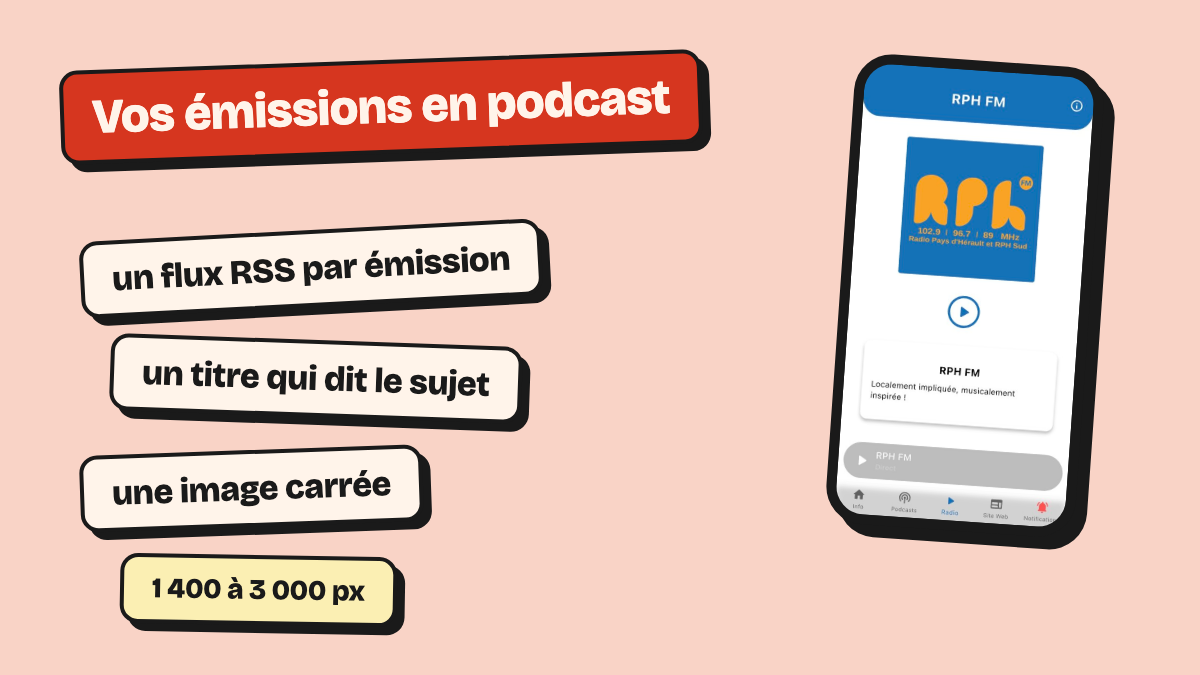
Apple asks for an Apple Podcasts Connect account, a public RSS 2.0 feed and at least one episode. The cover art is square, 1,400 to 3,000 pixels a side, in JPG or PNG, with no transparency.
Spotify asks for a Spotify account, which is free to create. On creators.spotify.com, say that the show already exists and is hosted elsewhere, then paste the feed address. Spotify sends an 8-digit code to the email address listed in the feed: it must be an address the station reads.
| Platform | Account | What the feed must contain | Verification |
|---|---|---|---|
| Apple Podcasts | Apple Podcasts Connect | Public RSS 2.0; an audio file and a fixed identifier for each episode; cover art from 1,400 to 3,000 px | Apple Podcasts Connect account |
| Spotify | Spotify account, free | An email address you read | 8-digit code sent to that address |
Requirements read in the Apple Podcasts and Spotify help pages on 24 October 2026.
Your shows in the station’s own app
A radio app can read the same RSS feed and list your shows next to the live stream. The listener then needs no separate podcast app.
For example, the Radio Larzac app picks up the episodes from the station’s podcast feed.
Music in your podcasts: ask Sacem and SPRE
If your shows include music, ask Sacem (the authors’ and composers’ society) and SPRE (the body collecting fees for recorded music broadcast) what your contract covers for podcasts. We could not read their 2026 terms, so we give no figures.
Frequently asked questions
How do I create an RSS feed for a podcast?
A podcast host or the station’s website produces it. On a website, choose a feed reserved for episodes. Apple Podcasts requires each episode to have its audio file and an identifier that does not change.
Is it free to publish a podcast on Spotify?
Spotify’s help pages ask for a Spotify account, free to create, and your RSS feed address. Hosting the files, on the other hand, may cost money.
What size should podcast cover art be?
Apple Podcasts accepts a square image from 1,400 × 1,400 to 3,000 × 3,000 pixels, in JPG or PNG, with no transparency.
Do I have to resubmit the podcast for every episode?
Not with Apple: Apple says it checks each feed regularly and lists new episodes within 24 hours. The Spotify help pages we read for this guide does not say.